Studio sound for your voice — right in your browser
Record or upload your vocals and get studio-grade processing: autotune, a velvety tone, reverb and echo. Ready-made presets from a sound engineer, or fine-tune every knob yourself.
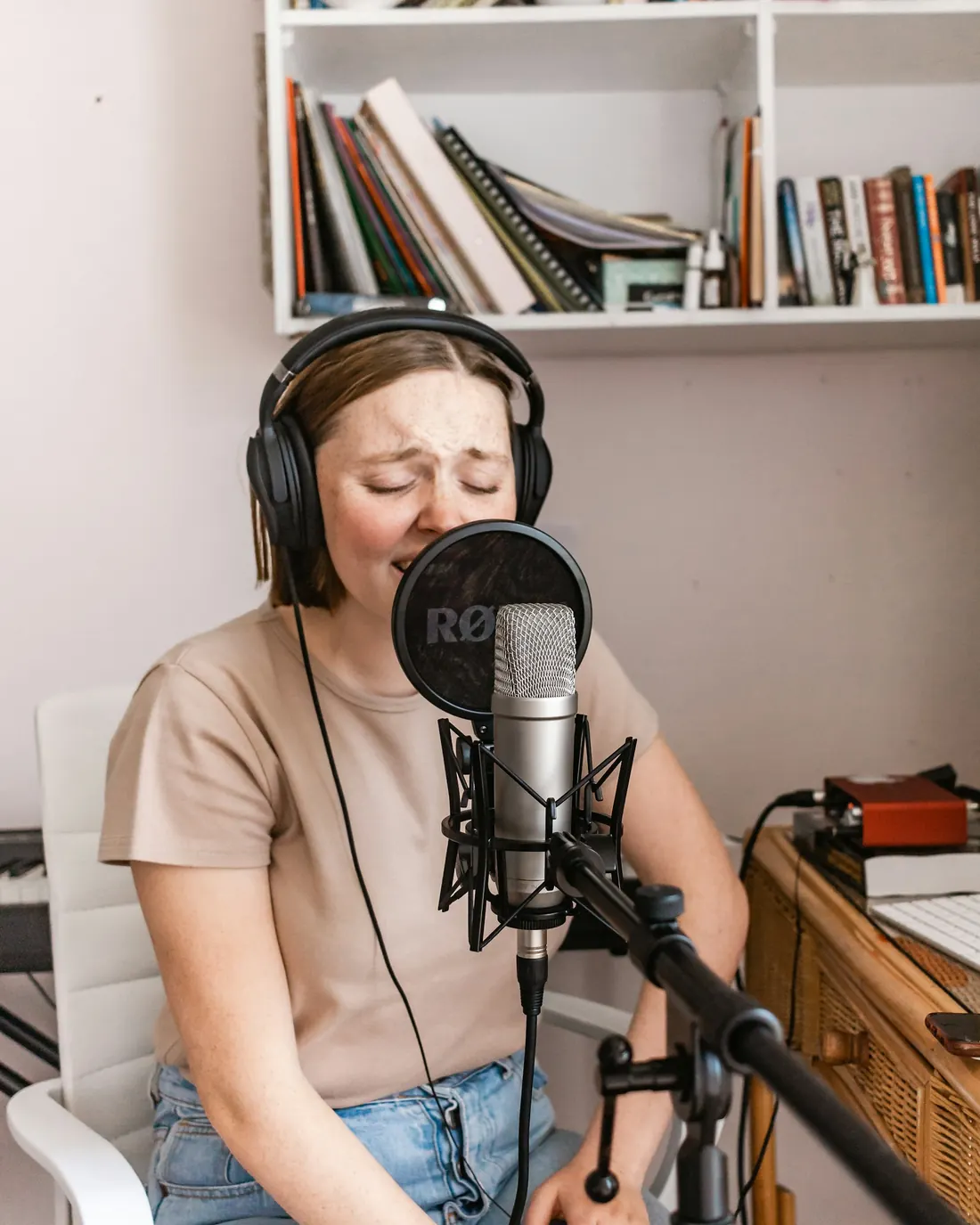

Sing for 5 seconds
Any phrase or just "ah-ah-ah". You will instantly hear yourself with autotune, in Velvet, Pop Hit and other presets.
Notes in place, voice still alive
The grey line is what was sung: scoops, vibrato, misses. The green one is after autotune: the centre of every note is right in key while vibrato and character remain. Want the rapper-style effect? One preset and the notes snap into steps.
- The song's key is detected automatically — from the voice or the backing track
- Three knobs, like studio plugins: amount, speed, naturalness
- Your timbre is preserved — no chipmunk effect
A finished sound in one click
Every preset is a chain a sound engineer would build by hand: cleanup, autotune, EQ, compressor, space. Start with a preset and adjust the knobs.
 Clean
Clean Gentle
 Velvet
 Romance
 Pop Hit
 Rock
Rock Rap
Rap Cathedral
 Autotune effect
 Radio
Radio Telephone
 Megaphone
 Lo-fi
Lo-fi Robot
Robot Giant
Giant Cartoon
Three steps to a finished track
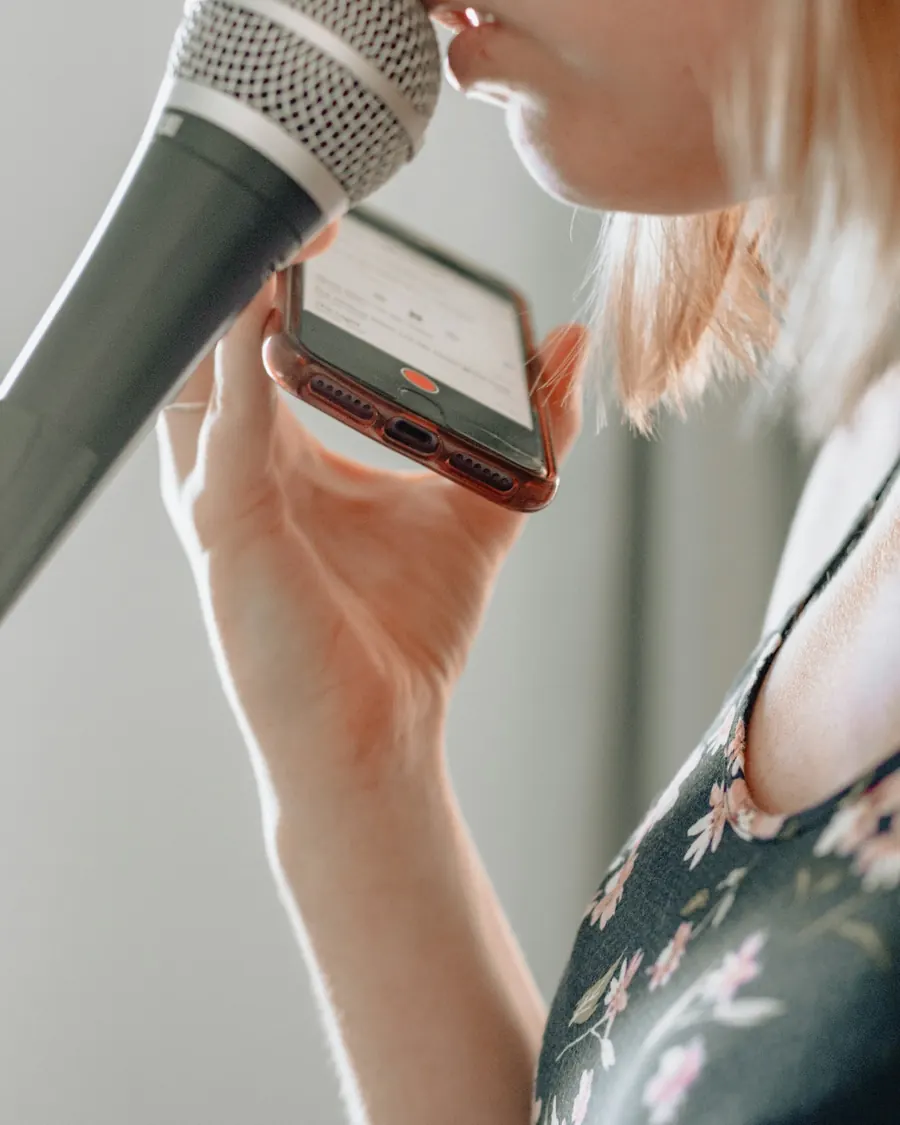
From the microphone (over a backing track if you like, with reverb in your headphones) or a ready file from REAPER, a voice recorder or your phone.
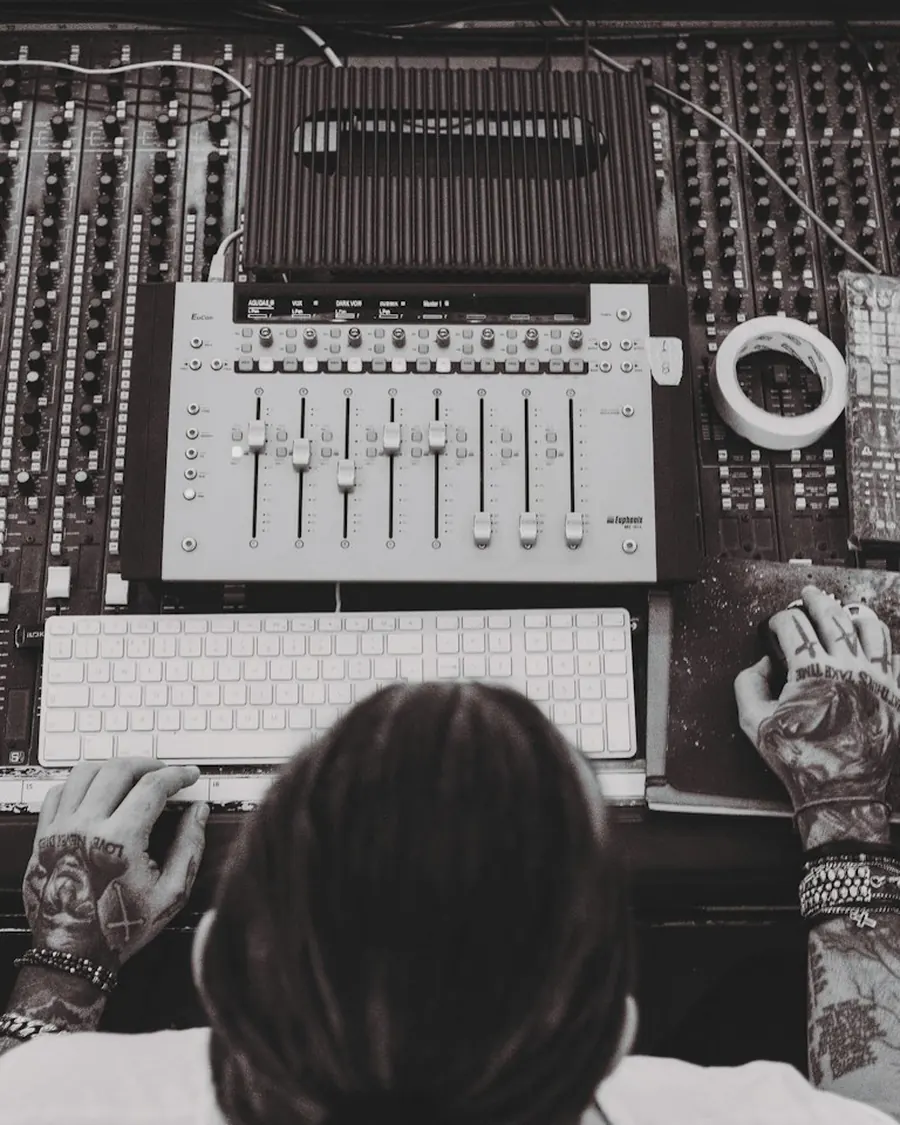
A preset — Velvet, Pop Hit, Ballad, Rock, Autotune effect… Compare before and after with one button.
MP3 or 24-bit WAV, the voice alone or mixed with the track, at streaming loudness.
Fine-tune every module
Switch modules on and off, tweak the parameters and save your own presets. The knobs respond instantly.
Follows the song's key with adjustable naturalness: from invisible correction to the T-Pain effect.
Noise reduction from a room profile, a de-esser for harsh "s" sounds, silence between phrases.
Low cut, mud, presence, air — with the curve on screen.
Density and speed: an even voice that always sits up front.
Tube saturation — a richer sound, and a husky edge if you push it.
A second voice on the sides — wider and richer.
Slapback, 1/8, 1/4 — in time with the track.
Plate, room, hall, cathedral; pre-delay and ducking.
MP3 or 24-bit WAV, −14 LUFS loudness, mixed with the track.
See what your voice is doing
Tuner
The note and accuracy in cents, vibrato, register, brightness — while you sing.
Sing along to songs
Upload a song — the original notes are on screen and the singer's voice is removed with a button. Combos, loops, key ±6.
Analysis with tips
Intonation, rhythm, breathing, timbre — and exactly what to practise.
Warm-ups
Range test, pitch matching, scales with piano, long note.
Hit the notes, earn rewards
Every note over a track is graded: Perfect!, Great!, Good or Miss. Keep the combo going and the score multiplier grows; after 25 hits in a row, On Fire mode kicks in. Singing earns XP and achievements earn medals.



From First sound to Stage legend: day streaks, clean notes, combos, a two-octave range, late-night and early-morning warm-ups.
 Hit 50 notes32/50
 Sing for 5 minutes✓
 Try 3 presets1/3
Three new quests every morning. Complete them all and open a chest with bonus XP — sometimes there's a jackpot.
 Stadium
Stadium, Angel choir, Voice from space, Diva — unlocked with levels and medals. Plus titles from Beginner to Voice of a generation and trail colours over the notes.
Your voice stays with you
Recording, autotune, effects and analysis run on your device. We do not store your recordings and require no sign-up. Details are in the privacy policy.
Is it free?
Yes. No sign-up needed; all presets and exports are available right away.
Where does my voice go?
Nowhere. Recording and processing happen in your browser, on your device. Projects are saved there too — only you can see them.
Do I need headphones?
For recording over a backing track — yes, otherwise the music leaks into the microphone. For a cappella recording and analysing a ready file you do not.
Will a phone microphone do?
Yes. A studio microphone is better, but noise reduction, autotune and reverb noticeably improve a phone recording too.
Which files can I upload?
Anything your browser can open: wav, mp3, m4a, ogg, flac — for example a take from REAPER, FL Studio or a voice recorder.
Can I publish the result?
Your own recordings — yes, they are yours. Publishing covers of other people's songs may require rights — see the terms of use.